Manage Account, Change Password
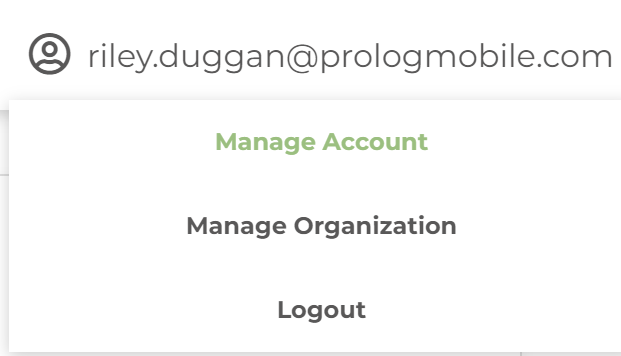
Once you've logged into your account go to your email address in the top right-hand corner of the screen, then click "Manage Account"
After that, you can click on "password" (shown below) and then type in a new password. 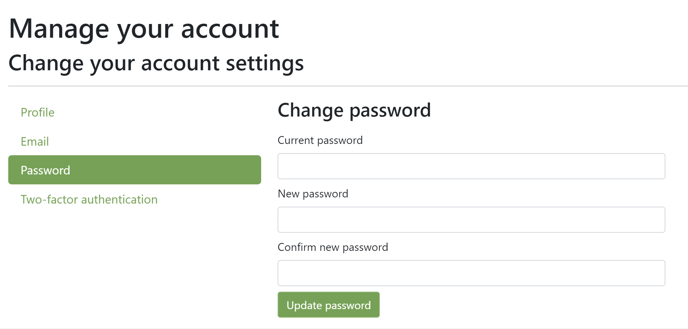
Once you've confirmed your new password, click "Update password" and you'll be all set.
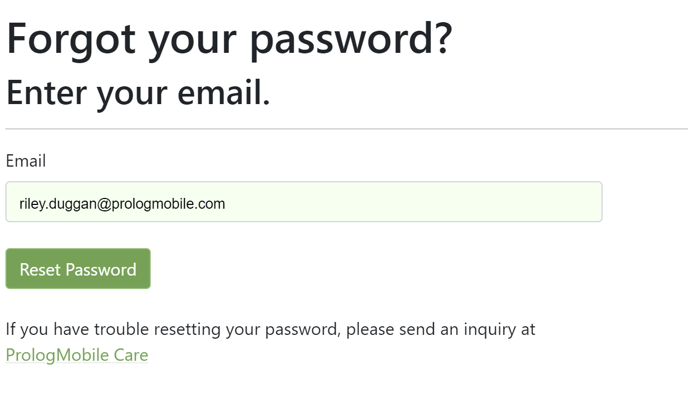
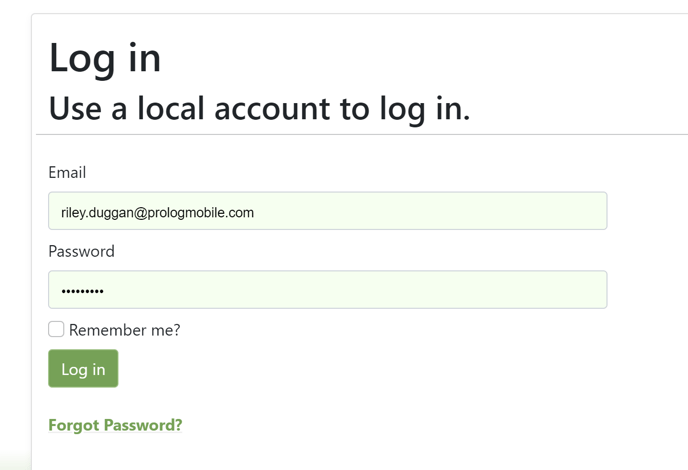
If you can't remember your password to begin with, click "forgot password" under the login page
Then follow the instructions: